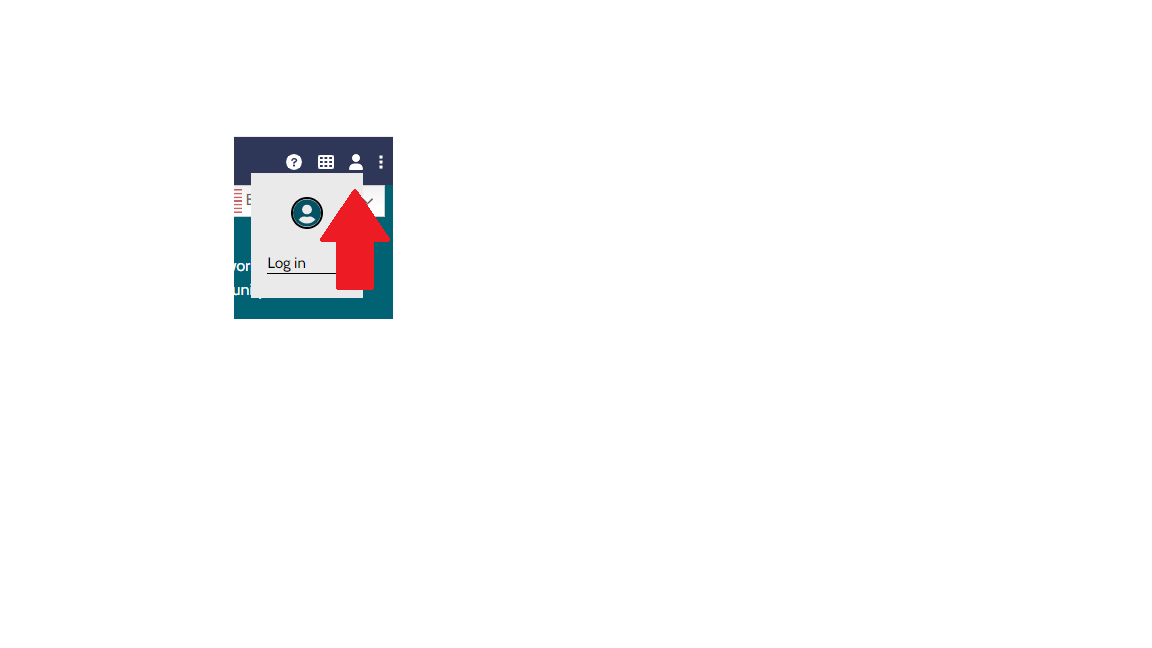
Step 1: Locate Icon
Open the account menu by selecting the person icon in the site header.

Step 2: Log in
In the menu that appears, select “Log in.”
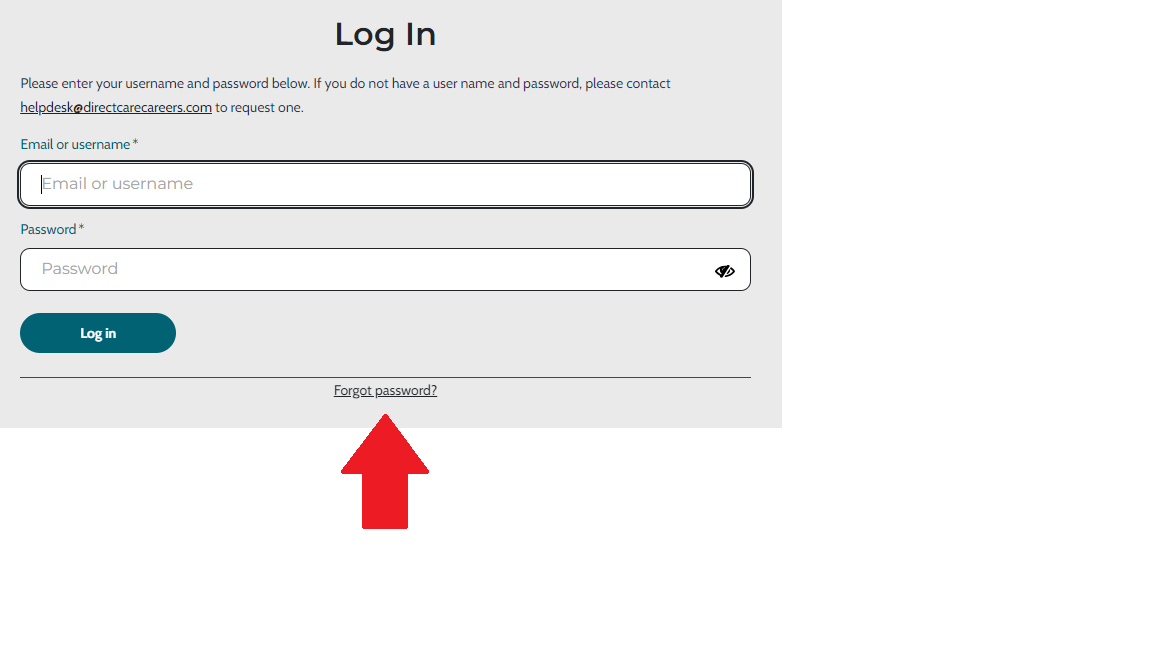
Step 3: Select “Forgot password”
On the login form, select the “Forgot password?” link.
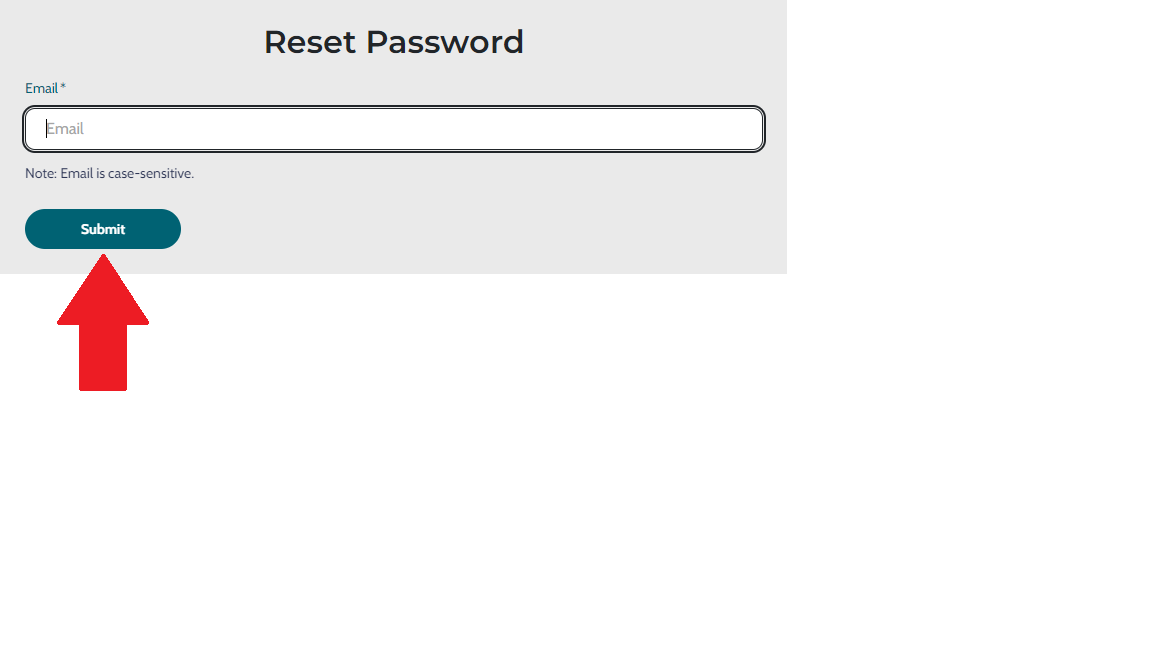
Step 4: Enter email
Enter your email address and select “Submit.” You will receive a password reset link in your email inbox.